

QR codes

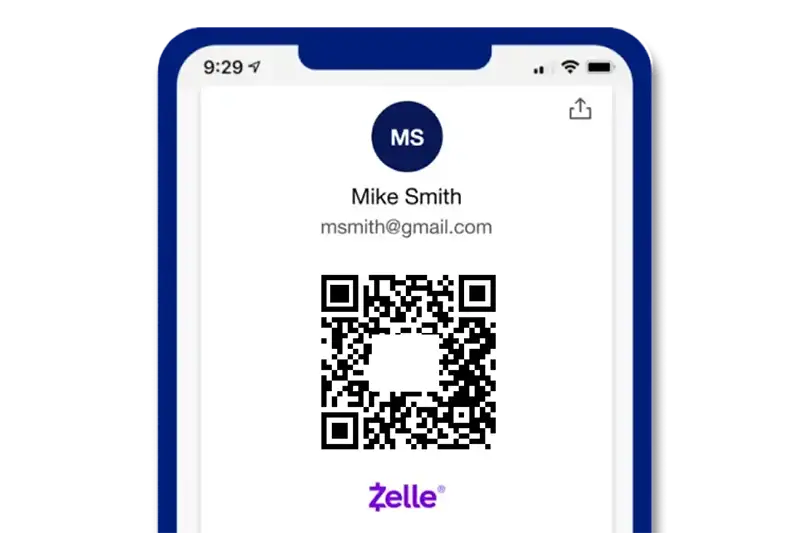
Request money or settle up with ease using a custom QR code. In the U.S. Bank Mobile App, select Request from the Zelle® home screen, tap on the QR Code icon at the top of the Select Recipient screen, then share your Zelle® QR Code.

To receive money, you can locate your own Zelle® QR Code by tapping on the My Code tab.

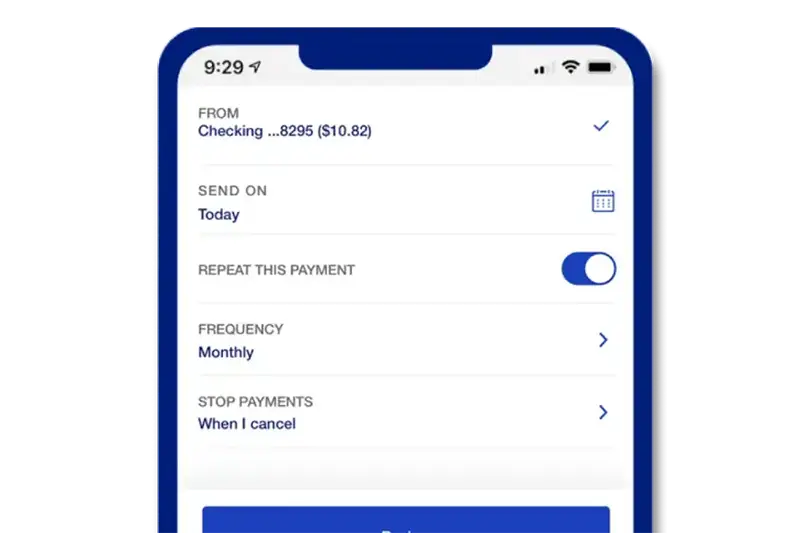
Recurring payments

Need to send money at a consistent time each week, month or year? Schedule a repeat payment on a timeline you choose.

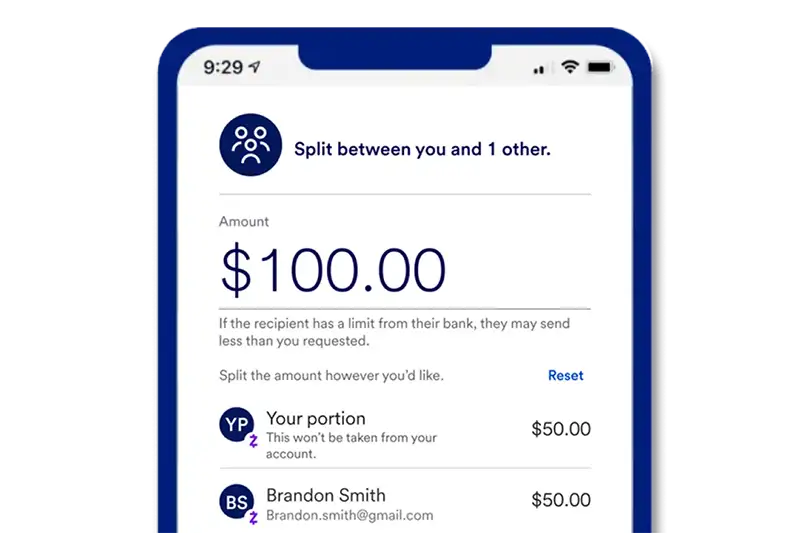
Split bills and get paid back

Paid for dinner, travel, tickets or a household bill? Use Zelle® to split the costs with up to 10 people and request each person’s share. It’s an easy way to manage shared expenses and get reimbursed faster.

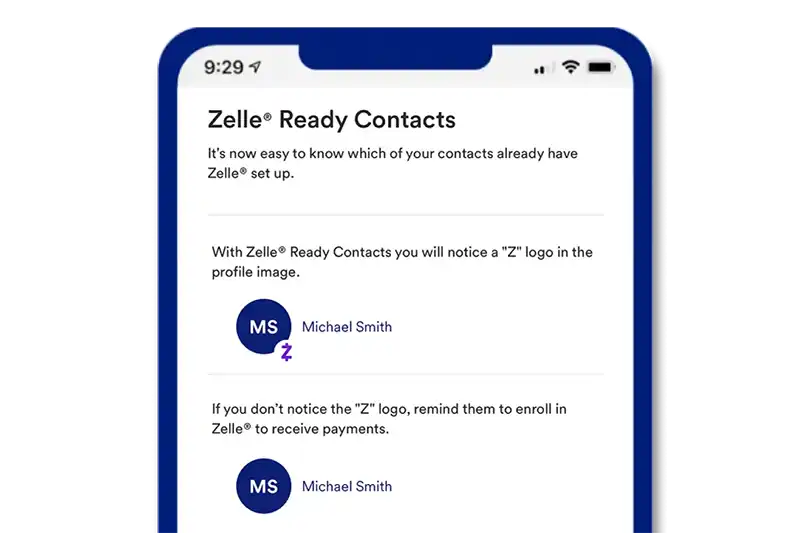
Zelle®-ready contacts

Add contacts in Zelle® directly from your phone and easily identify friends and family who are already enrolled. Send or request money from contacts marked with a purple “Z.”

So many ways to use Zelle®

Easily find contacts who already use Zelle®

Choose your friend’s name from your contact list and send them a request for money. No math required.

Help for hectic households

For busy families, Zelle® can help. Get a quick glance at your Zelle® payment history anytime to keep track of who you’ve paid.

Divvy up the check

No awkward conversations. Just send a “Split the bill” request to your friends or family using Zelle®.

Zelle U.S. Bank logos

Frequently asked questions

Start of disclosure content
Disclosures
  1. To send money in minutes with Zelle®, both parties must have an eligible checking or savings account, and have a United States mobile number registered in your online and mobile banking profile for at least three calendar days. Transactions between enrolled customers typically occur in minutes.  

Start of disclosure content

Zelle® and the Zelle® related marks are wholly owned by Early Warning Services, LLC and are used herein under license.

Deposit products are offered by U.S. Bank National Association. Member FDIC.