

What is a passkey?

A passkey is a digital, encrypted key that replaces your traditional username and password. With a passkey, you log in to your account in the same way you unlock your device – with your face, fingerprint, device PIN or device passcode.


Passkey vs. password – what makes a passkey better?

Here are three ways passkeys are better. They’re:

Safer

A passkey is phishing-resistant and more secure than a password by design. It is stored in your device’s password manager and can’t be typed, stolen or guessed.

Easier

It’s difficult to keep track of unique, complex passwords, especially as they should be updated frequently. With passkeys, there’s nothing to remember, so there’s nothing to forget.

Faster

Rather than entering lengthy usernames and passwords, just select your passkey from a list in your browser and verify yourself in the same way you unlock your device.

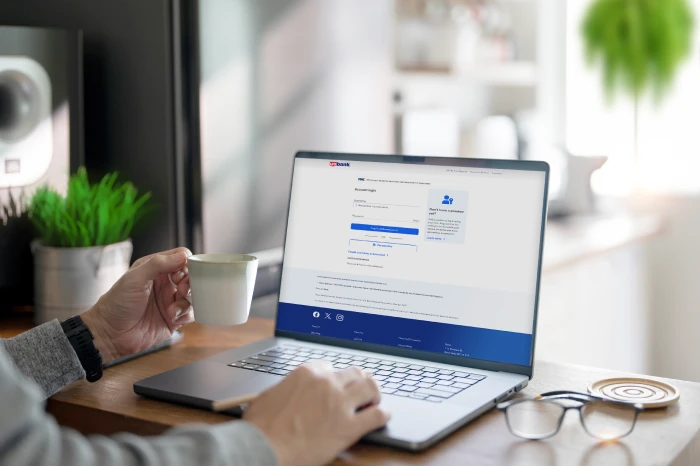
User setting up passkey on a laptop

How to create a passkey

U.S. Bank online banking makes it simple. Before you begin, make sure your device’s operating system and browser are up to date. Then follow these easy steps.

  1. Log in to your online banking account with your existing username and password.
  2. Select Profile & settings and then Login preferences.
  3. On the Passkeys card, select Manage and then select Create passkey..
  4. Follow the prompts on your screen. 

Once you create your passkey, you’ll never need to do so again, as passkeys never expire.

Note: Passkeys are being rolled out gradually. If you don’t see the ability to create one in Login preferences, please continue to check back. Passkeys are not yet available on the U.S. Bank Mobile App.

Frequently asked questions about passkeys

Start of disclosure content

Disclosures

Mortgage, home equity and credit products are offered by U.S. Bank National Association. Deposit products are offered by U.S. Bank National Association. Member FDIC.