
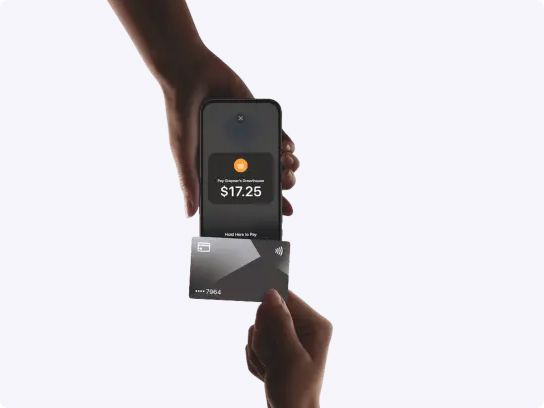


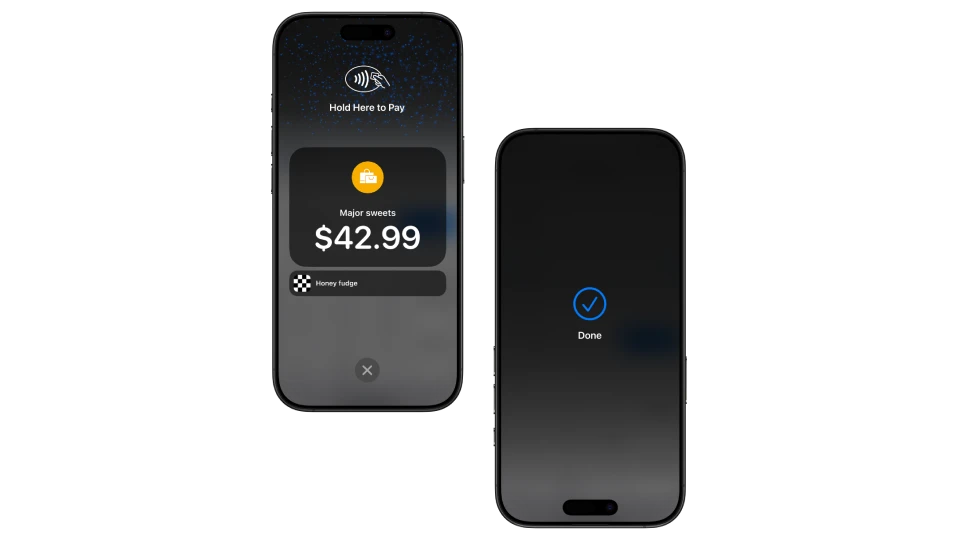

To accept a contactless payment with Tap to Pay on iPhone:
- Open the mobile POS app
- Enter the item and sale amount
- Present your iPhone to the customer
- The customer holds their card or device near the top of your iPhone, over the contactless symbol
- When you see the “done” checkmark, the card read is complete and the transaction is processing


